If you run a furniture factory or a custom cabinetry workshop, you know the margin between profit and loss is measured in minutes: how fast you generate a cut list, how much material you waste per project, how many hours a technician spends on manual calculations. In 2026, specialized manufacturing software is not a luxury — it is core infrastructure. This article examines which features actually matter, compares the leading options on the market, and shows how you can go from design to production in hours, not days.
Why furniture manufacturers need dedicated software
A general-purpose 3D modeler can draw a cabinet, but it does not understand furniture logic. It does not know what a carcass is, what a facade is, how hinges with soft-close work, or how drawer slides with push-to-open function translate into hardware specs. That is why many manufacturers still spend hours translating a 3D model into production documentation by hand.
Dedicated manufacturing software addresses specific production needs:
- Cut lists — automatically generates cutting sheets for particleboard, MDF, countertops with exact dimensions, including edge banding per side
- Nesting optimization — algorithms minimize material waste (the difference between 12% and 5% waste translates to thousands of euros per year)
- CNC export — files ready for cutting and milling machines, with no manual data re-entry. Common target formats: DXF, BAZIS, OpenCutList, plus proprietary formats for Biesse, Homag, SCM
- Cost calculation — final product price based on materials, hardware (hinges, slides, plinth), labor, and margin
- Technical documentation — assembly drawings, hardware lists, and installation instructions auto-generated from the 3D model
Without these features, a manufacturer processing 50 orders per month loses a minimum of 3–4 hours daily on documentation alone.
Key features to look for in 2026
3D design with furniture logic
You need more than 3D modeling — you need a system that understands a wardrobe consists of carcasses, shelves, hanging rails, drawers with slides, and doors with hinges. When you change one dimension, the entire project recalculates automatically — from cut lists to cost.
CNC export and machine integration
In 2026, any serious manufacturing software must export directly to the formats accepted by your cutting room and CNC centers: DXF, BAZIS (for shops running the Bazis production chain), OpenCutList (for open-source nesting), G-code, or proprietary formats (Biesse, Homag, SCM). If you are still manually copying dimensions from your design into the machine's program, you are losing time and introducing errors.
Material optimization
A good nesting algorithm (optimizing cuts across sheets) can reduce particleboard waste from 15% to 5–7%. At a consumption rate of 200 sheets per month, that saves 15–20 sheets — hundreds of euros monthly.
Material and hardware catalog
The software should include a database of real materials: particleboard from Egger, Kronospan, lacquered MDF, countertops, edge banding — with current pricing. Art Rocket, for example, provides access to a marketplace with over 1,500 SKUs of materials from 17 active suppliers across Moldova, Romania and partner markets.
Rendering and client presentation
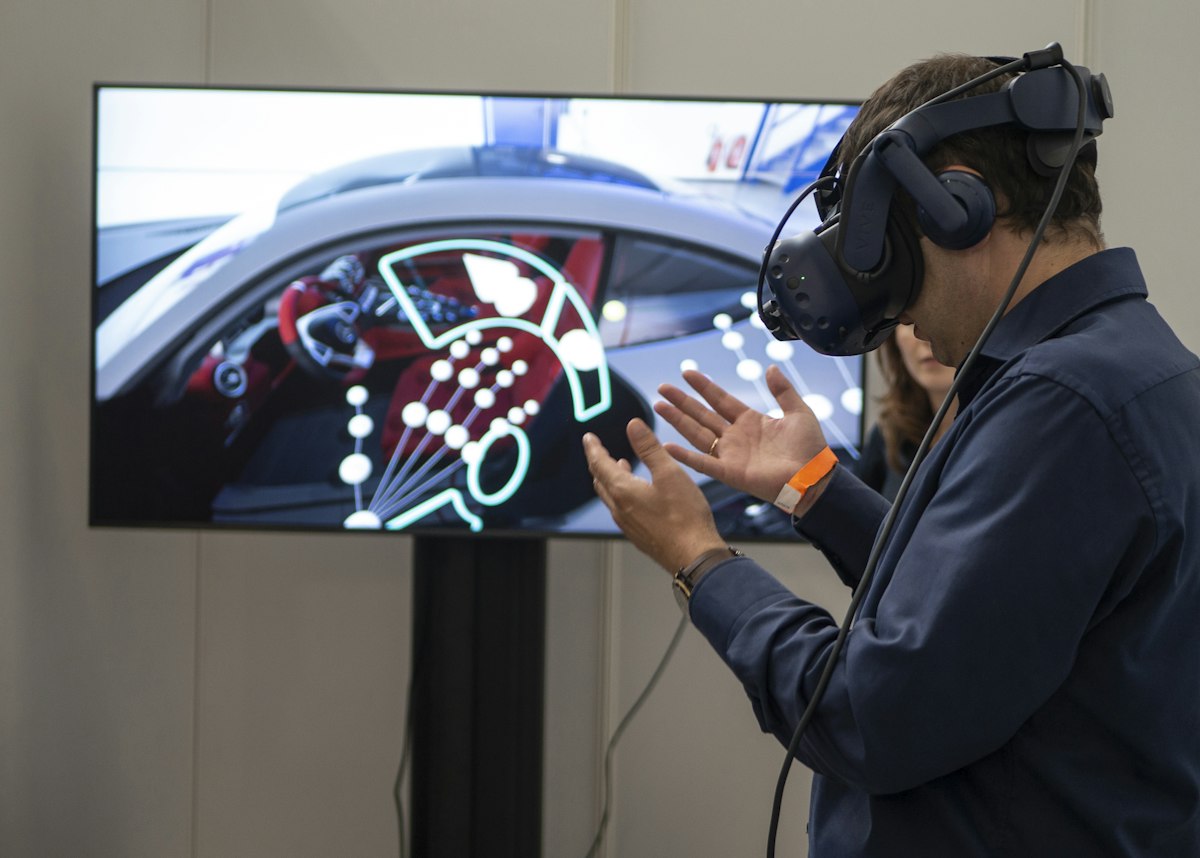
The ability to generate a realistic rendering or even a VR presentation directly from a technical project eliminates the need to work in two separate programs. The client sees exactly how the furniture will look, and the manufacturer works from the same file for CNC output.
Comparison: furniture manufacturing software in 2026
| Criteria | PRO100 | Bazis Mebelshchik | KD Max | Cabinet Vision | Art Rocket |
|---|---|---|---|---|---|
| 3D furniture design | Yes | Yes | Yes | Yes | Yes (SketchUp 2026 engine) |
| CNC export (DXF / proprietary) | Limited | Yes (BAZIS native) | Yes (DXF, proprietary) | Yes (proprietary post-processors) | Yes — DXF, BAZIS, OpenCutList |
| Cut optimization / nesting | Separate plugin | Built-in | Built-in | Built-in | Built-in + OpenCutList |
| Automatic cost calculation | Basic | Yes (production-grade) | Yes | Yes (enterprise BOM) | Yes + live supplier prices |
| Realistic rendering | Basic | No | Limited | Limited | Yes (Nscape photoreal) |
| VR client presentation | No | No | No | No | Yes (Nscape VR) |
| Material marketplace in-app | No | No | No | No | Yes (1,500+ SKUs) |
| Auto drawings & hardware specs | Partial | Yes | Yes | Yes | Yes (Layout) |
| Price | License ~€500–1,500 | License ~€1,000+ | License, quote-based | License, enterprise-tier | €99–199/mo SaaS, €1,188/yr with VR Start Kit |
| Updates | Paid separately | Paid separately | Paid separately | Paid separately | Included |
| Best fit | Small shops, legacy workflows | Russian-speaking factories, heavy production | Mid-size cabinetry, multi-language | Large cabinetry operations, USA | Shops & factories that want design + production + client VR in one stack |
PRO100 and Bazis Mebelshchik are established desktop solutions, but their license model means you pay again for every major update, and neither ships with a modern marketplace or VR layer. KD Max and Cabinet Vision cover mid to large cabinetry operations with strong CNC post-processing but no integrated supplier catalog or VR presentation. Art Rocket combines design, production export, and client-facing VR in a single SaaS, running on the SketchUp 2026 engine.
How Art Rocket solves manufacturer pain points
From design to CNC in hours, not days
The traditional workflow: a designer creates a project in Program A, exports it, a technician redraws it in Program B, generates specifications, and sends them to CNC. With Art Rocket, a full kitchen or cabinet room typically takes 30–60 minutes to design, and technical documentation (drawings, cut lists, hardware specs) is generated automatically from the same file. Compared to 2–5 days in a general 3D stack or 1–2 days in legacy desktop software, that is a real shift in throughput.
30–60 minutes to design, 5 seconds to documentation.
Production-ready exports
Art Rocket exports directly to the formats your shop floor already uses:
- DXF — universal CNC-friendly format accepted by most cutting and milling machines
- BAZIS — for shops running Bazis on the production side, the bridge is native
- OpenCutList — open-source nesting for particleboard and MDF optimization
This is confirmed on the live "Export la producție (DXF, BAZIS)" section of the Art Rocket landing page.
Pricing that includes everything
At €99–199/month (or €594 for 6 months on the Furniture Designer plan, €1,188/year with a VR Start Kit including VR goggles), you get 3D design, rendering, VR, CNC export, auto cost calculation, and access to the materials marketplace. No additional charges for modules, plugins, or updates. A 30-day free trial is available.
Materials marketplace
Access to over 1,500 SKUs from 17 real suppliers means you can select materials directly within the project, with current pricing. No need to call a supplier for a quote — everything is integrated into the workflow. Suppliers pay 0% commission for catalog listing; Art Rocket's revenue comes from designer subscriptions and a 10% commission on furniture sold through the platform.
VR presentation — faster sales cycles
Your client does not always read a technical drawing. When they put on VR goggles and "walk through" the designed kitchen, decisions move from weeks to days. Art Rocket reports conversion uplift up to 94% on VR presentations versus traditional PDF-only sales flows.
5 questions to ask before choosing software
Before signing a contract or a subscription, ask your software vendor five questions that decide whether you spend 30 minutes or 2 days per project. The list below comes from working with 17 real suppliers and 1,220 active designers on Art Rocket across 5 countries (Moldova, Romania, the UAE, Kazakhstan and Uzbekistan).
- Does it export directly to my CNC machine's format? — Verify compatibility with your specific equipment (Biesse, Homag, SCM, Chinese machines) and with your nesting tool (OpenCutList, BAZIS, proprietary)
- Does it automatically calculate the real project cost? — Including labor, hardware, edge banding, and specialty materials
- How is technical documentation generated? — From the same 3D file, automatically, or redrawn by a technician in a second program?
- Does it have an updated materials database? — Particleboard prices change quarterly; the software must keep pace
- Can I test before I buy? — Any serious software offers a free trial (Art Rocket: 30 days, full access)
Verdict by factory size
Art Rocket or PRO100. Art Rocket is the better fit if you want VR client presentations, an integrated supplier catalog, and SaaS pricing without paying for major updates. PRO100 is acceptable if your team is already trained on it and you only need basic design + cut lists. KD Max and Cabinet Vision are overkill at this scale.
Art Rocket or Bazis Mebelshchik. Bazis is strong if your production team is already built around its post-processors and you operate primarily in Russian-speaking markets. Art Rocket wins when you need a single platform for design, client VR, auto documentation, and CNC export (DXF, BAZIS, OpenCutList) — particularly if you sell in Romania, Moldova, the EU, the UAE, or CIS markets.
Cabinet Vision, Bazis Mebelshchik, or Art Rocket alongside an ERP. At this scale, you care about enterprise BOM, ERP integration, and multi-seat licensing. Art Rocket fits when the bottleneck is design throughput and client-facing sales — its SketchUp 2026 foundation means onboarding new designers takes 1–2 days instead of weeks.
2026 trends: what is changing in furniture manufacturing
The trends below are not forecasts — they are already happening in 2026 on platforms like Art Rocket, which runs on SketchUp 2026 with Nscape VR and Layout 2D. The stack is integrated into the UTM (Technical University of Moldova) curriculum and connects factories, designers and B2C clients ordering at €10/m² across 5 countries.
- IoT integration — CNC machines communicate directly with design software, providing real-time feedback on cutting jobs
- AI-powered optimization — algorithms suggest optimal cutting layouts based on order history
- Cloud-first — software moves to the cloud (SaaS), teams collaborate simultaneously from any location
- Augmented reality (AR) — clients can see the designed furniture in their actual room through a phone
- Sustainability tracking — automated material waste calculation and ESG reporting
Conclusion
Furniture manufacturing software in 2026 is not just a drawing program — it is a platform connecting design, production export, cost calculation, and client presentation. The difference between a workshop that loses 3–4 hours a day on documentation and one that generates everything automatically from a single 3D file translates directly into margin.
If you want to test a complete workflow — from 3D design on the SketchUp 2026 engine, to CNC export (DXF, BAZIS, OpenCutList), to a VR presentation — try Art Rocket free for 30 days.
Run your factory on Art Rocket
30-day free trial. Full platform access. CNC export (DXF, BAZIS, OpenCutList) included.
A note on the stack — Art Rocket runs on SketchUp 2026
Throughout this article, Art Rocket is referenced as a platform. To be precise: Art Rocket is an official extension built on the SketchUp 2026 engine. Nscape is the VR rendering engine embedded inside Art Rocket. Layout is the 2D technical documentation module. The three ship as one environment — you do not assemble a pipeline of separate tools.
This matters for three reasons:
- SketchUp is the industry standard. Over 50 million designers worldwide already know the modeling environment. If you have used SketchUp before, Art Rocket feels like a natural extension — you onboard in 1-2 days, not weeks.
- Nscape VR is native. You do not install a third-party rendering plugin and pray for compatibility. The VR walkthrough button is inside Art Rocket, on SketchUp 2026, every time.
- Layout 2D is built in. Technical documentation (assembly drawings, cut lists, CNC export to DXF / BAZIS / OpenCutList) generates directly from the SketchUp model without reformatting or manual redraws.
In short: Art Rocket is not a competitor to SketchUp — it runs on SketchUp 2026 and adds the furniture-specific automation that stock SketchUp does not provide. That is the structural choice behind the product.